
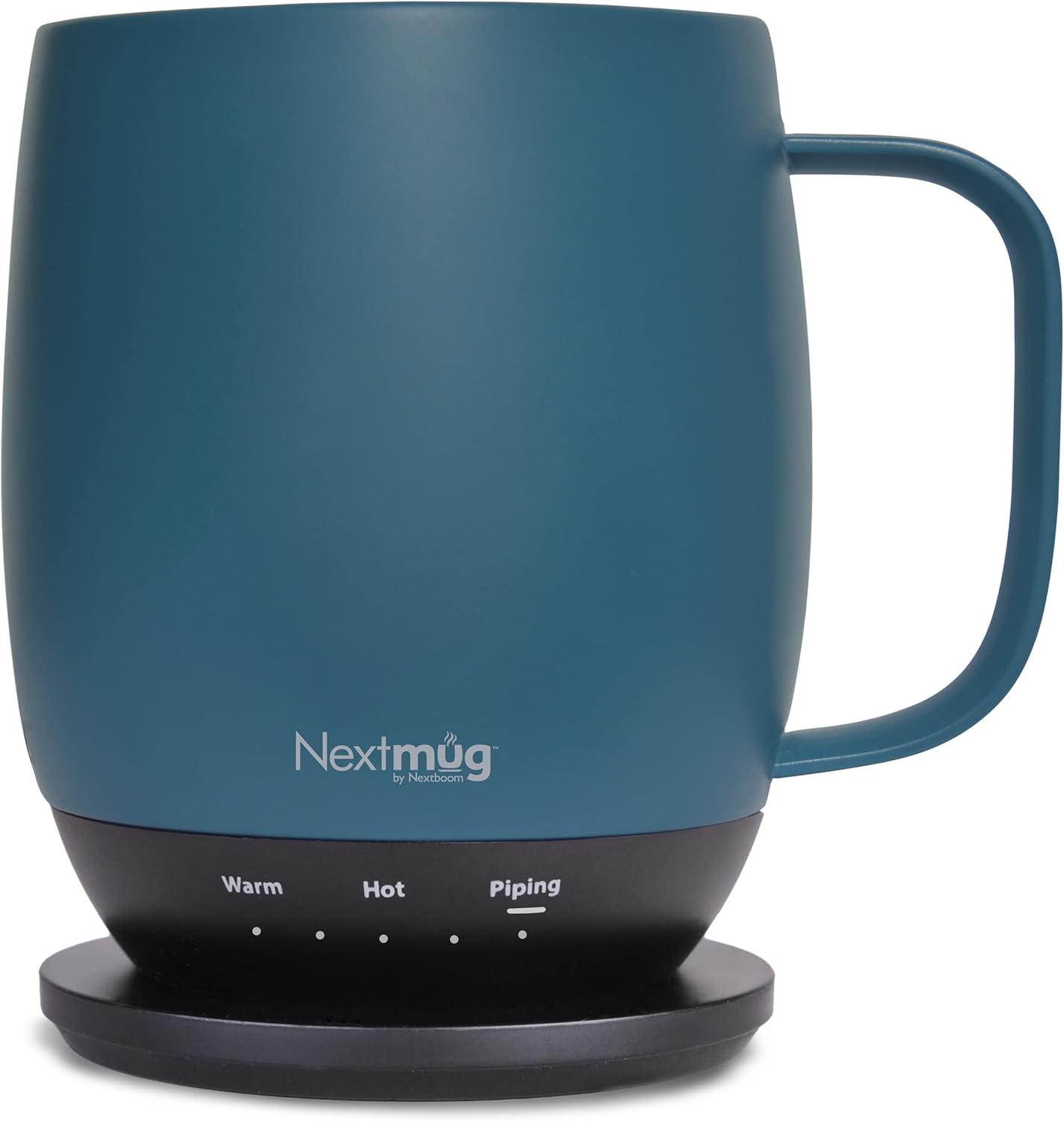
Have you ever wished your coffee would stay at the exact temperature you like it for hours, without constant reheating or awkward temp checks?

First impressions
I unboxed the “Nextmug – Temperature-Controlled, Self-Heating Coffee Mug (Slate Blue – 14 oz.)” with a mix of curiosity and mild skepticism. The packaging felt thoughtful and recyclable, and the mug itself looked and felt premium right away, which gave me confidence that this was more than a gimmick.
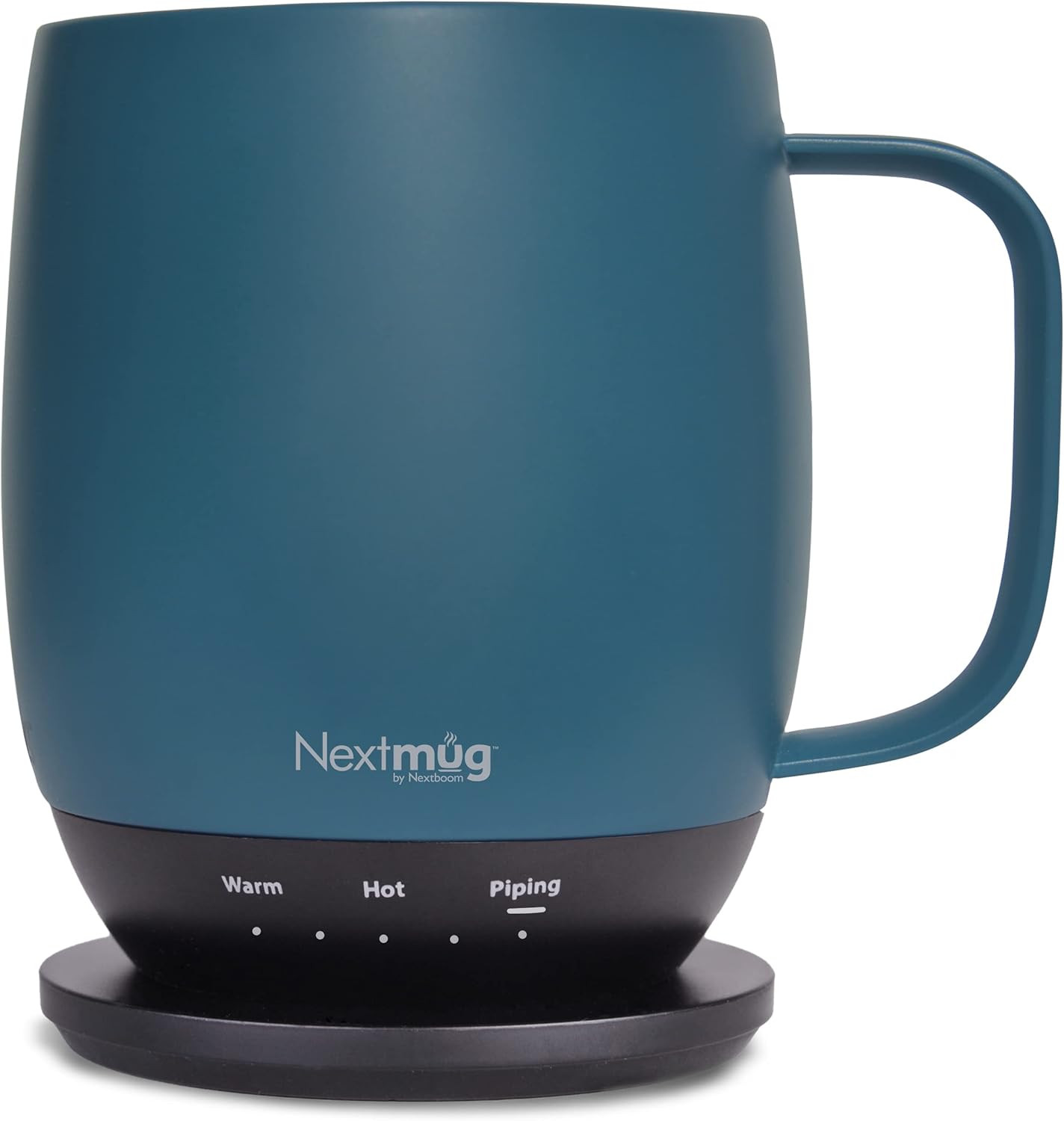
Nextmug - Temperature-Controlled, Self-Heating Coffee Mug (Slate Blue - 14 oz.)
$99.95 In Stock
Design and build quality
I appreciate that the Nextmug balances form and function. The slate blue finish is subtle and modern, and the overall silhouette is comfortable to hold without feeling bulky. The mug’s weight is just right when empty and comfortable when full, and the finish resists fingerprints better than many stainless steel options I’ve used.
The company emphasizes that the product was designed and tested in Boulder, Colorado, and that attention to detail shows — seams are clean, buttons are neatly integrated, and the docking coaster is well-finished. The construction feels durable enough for daily use, though I treat it like any electronic device and avoid rough handling.
Materials and feel
I found the exterior has a soft-touch coating that makes it pleasant to grip even when I’m not using the spill-resistant lid. The inside feels like it’s designed for hot beverages and keeps flavors neutral, unlike some mugs that impart a metallic taste. The lid snaps on securely and has a simple mechanism that avoids unnecessary complexity.
Size and capacity
At 14 oz., this Nextmug hits a sweet spot for my morning routine — not too small, not so large that it gets cold before I finish. It fits under most single-serve coffee makers and holds a generous pour for a travel mug while still being easy to slip into a car cup holder or backpack pocket when I’m on the move.

Temperature control features
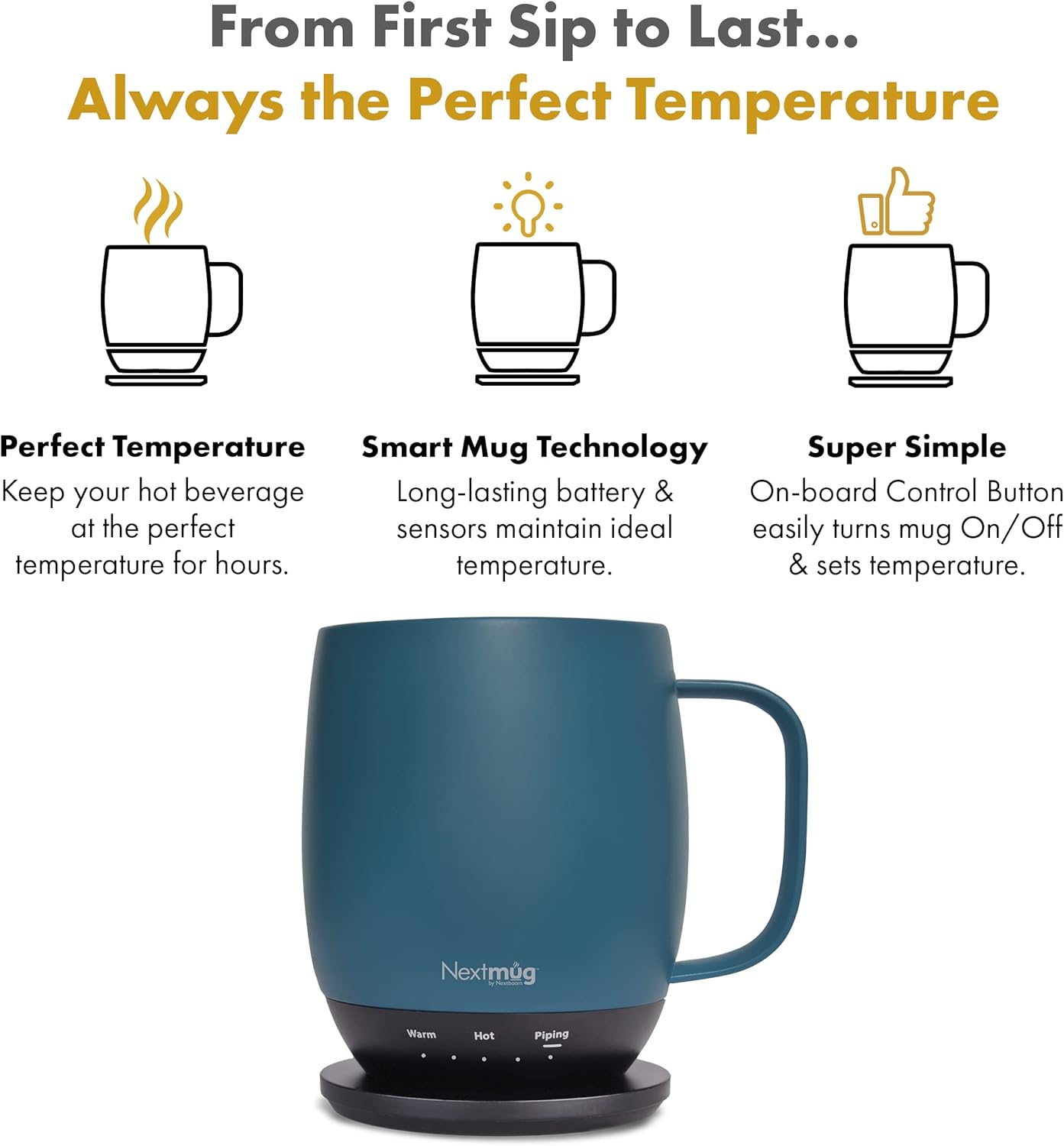
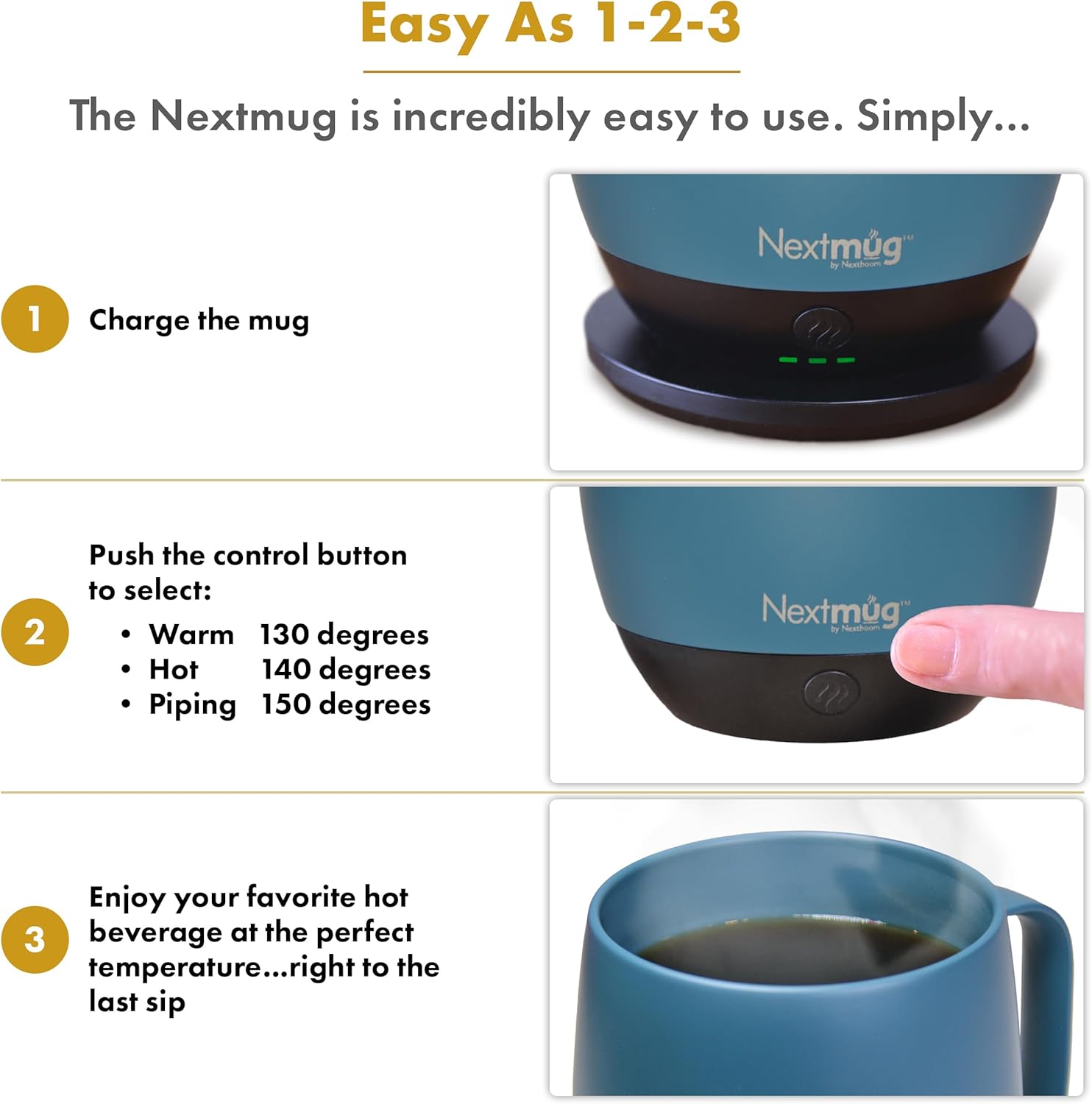
One of the biggest selling points is the ability to select between three preset temperatures: Warm (130° F), Hot (140° F), or Piping (150° F). The Nextmug delivers on that promise consistently in my experience, and I like that it removes guesswork from enjoying my coffee.
I value the LED indicators that show battery life and the real-time temperature. They’re bright enough to read at a glance without being distracting, and they keep me from having to open the lid just to check if my drink is still at the right heat level.
Temperature presets: Warm, Hot, Piping
I used each of the three presets during different parts of the day. Warm (130° F) is perfect for sipping slowly or starting a late-afternoon cup. Hot (140° F) is my everyday setting for immediate drinking, and Piping (150° F) is ideal when I want my first sip to be very hot or when I’m going to nurse a drink slowly but want it to stay near-boiling feel. Switching between presets is simple and instantaneous with the onboard control button.
Heating accuracy and consistency
Over several sessions I watched the mug maintain very stable temperatures. I measured temperature drift informally with a kitchen thermometer and noticed minimal fluctuation once it reached the selected set point. While conditions like ambient temperature, how full the mug is, and how often I opened the lid affect maintenance, the Nextmug consistently reduced the need to rewarm drinks in a microwave or kettle.
Battery life and charging
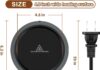
The Nextmug uses a lithium-ion battery, and it ships with a docking coaster and a 6-foot cord for charging. I appreciated the long cord because it made placement at my desk and kitchen counter flexible. The docking coaster secures the mug while charging and aligns the contacts reliably without fuss.
In my daily use I found that battery life varies with the temperature setting and how often I open the lid. On the higher “Piping” setting the battery drains faster; on “Warm” it lasts noticeably longer. I typically got several hours of active temperature maintenance — enough for a full morning at my desk — and the LED battery indicators made it easy to know when to place it back on the coaster.
Charging speed and convenience
Placing the mug on the docking coaster is straightforward and quick. The mug starts charging almost immediately and the LED communicates charge level clearly. I didn’t time exact full-charge cycles scientifically, but in normal routines I topped up the mug overnight and had no trouble with it ready for use in the morning.
Controls and user interface
One feature I genuinely liked is the simplicity: the On-board Control Button powers the mug on and off and cycles the temperature through the three presets. I didn’t need an app, passwords, Bluetooth pairing, or anything else — that simplicity is a major strength, especially for people who want a device that “just works.”
The LED display strikes the right balance between information and simplicity. It shows battery life and real-time temperature so I can make quick decisions about whether to use a different setting or to charge.
Lid, spill resistance, and daily usability
The included spill-resistant lid is well-designed and effective at preventing accidental spills while allowing easy sipping. It sits snugly and complements the temperature-maintenance features by minimizing heat loss. I carried the mug on a bus and in a car cup holder with no spills, though I still avoid big jostles just like I would with any mug.
Cleaning the lid is straightforward — it disassembles in a few parts for rinsing — and I didn’t notice odors building up after multiple uses. The lid helps keep heat in longer and keeps my coffee tasting fresher than a bare rim would.
Cleaning and maintenance
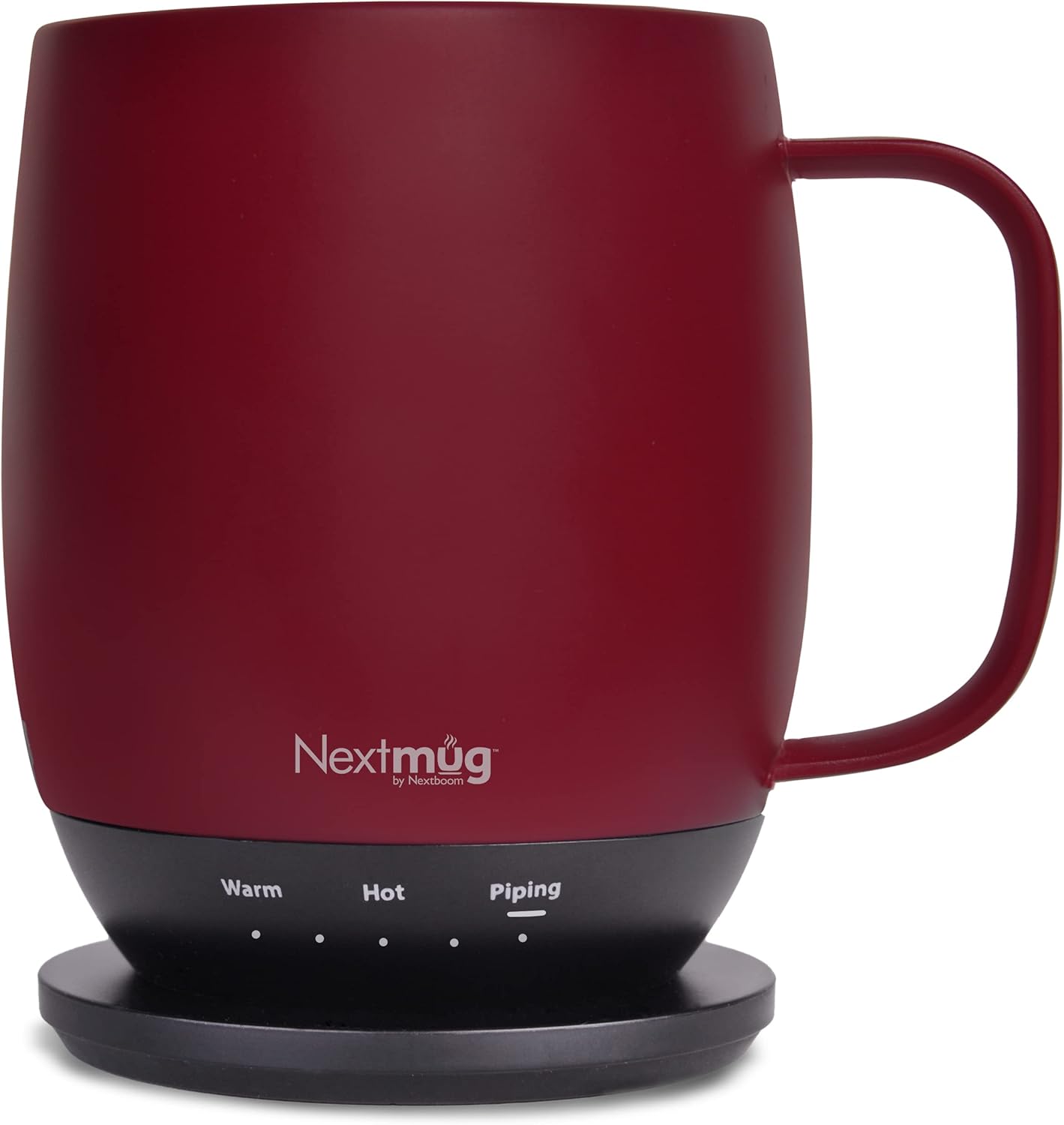
I hand-wash the mug body with warm soapy water and a soft sponge. The manufacturer notes the compatibility of lids and docking coasters across the product line, which I like because it makes replacement and accessory swaps easier. The coaster should be wiped clean and kept dry to protect the electrical contacts, and I avoid submerging it.
I recommend regular cleaning after each use, especially if you switch from coffee to tea or other beverages. The inner surface resists staining better than some ceramic or metal mugs I’ve used, but I still follow a routine maintenance cleaning once a week.
Usage scenarios and portability
I reach for the Nextmug throughout the day — at my desk, during a commute, and when I’m working in short bursts around the house. It’s compact enough to be truly portable but sits heavy and secure enough to feel like a real mug, not a flimsy gadget.
For travel, I like that the lid reduces spill risk and the battery gives me temperature control even when I don’t have access to a power source. That said, I don’t treat it as a replacement for a rugged travel thermos on a hike; instead, it fits best in urban commutes, office life, and at-home routines.
What’s included and compatibility
I liked that the package includes everything I needed to get started: one 14 oz. Nextmug, a docking coaster with a 6-foot cord, and the spill-resistant lid. The accessories are all compatible across Nextmug products, which is a plus if you buy more mugs or replacements.
Below is a breakdown table to help summarize the essentials at a glance.
| Feature | Details |
|---|---|
| Product name | “Nextmug – Temperature-Controlled, Self-Heating Coffee Mug (Slate Blue – 14 oz.)” |
| Capacity | 14 oz. |
| Temperature presets | Warm (130° F), Hot (140° F), Piping (150° F) |
| Battery | Built-in lithium-ion battery |
| Charging | Docking coaster included; 6-foot cord |
| Lid | Spill-resistant lid included |
| Display | LED indicators for battery life and real-time temperature |
| Controls | On-board control button; no app required |
| Design origin | Designed and tested in Boulder, Colorado, USA |
| Packaging | 100% recyclable materials |
| Included items | 1 mug, 1 docking coaster, 6-foot cord, 1 spill-resistant lid |
| Customer service | USA-based support |
Real-world performance notes
Over the course of several mornings and afternoons, I tested the mug with drip coffee, americano, and brewed tea. I found that the preset modes were reliable and required no micro-adjustments. The mug kept beverages pleasantly hot for long enough that I could walk away for a meeting and return to a drink that tasted the way I expected.
The LED temperature readout is something I found myself relying on more than I expected. It removes the temptation to guess whether my drink is still hot and cuts down on wasting coffee by reheating it repeatedly.
Pros and cons
I like to weigh the strengths and weaknesses of any product, so here are the things that stood out to me most.
Pros:
- Simple, reliable temperature control with three convenient presets.
- No app required — I appreciate the straightforward on-board control.
- Included docking coaster and 6-foot cord make charging simple and flexible.
- Spill-resistant lid that keeps drinks secure and temperatures stable.
- Thoughtful design and recyclable packaging.
- USA-based customer service and charitable company initiatives.
Cons:
- As with any battery-powered device, battery life varies by usage and may require daily charging for heavy users.
- Not a substitute for highly insulated thermoses that keep drinks hot for 24+ hours without power.
- The mug is an electronic device, so I’m more careful about drops and extreme handling compared to a basic ceramic cup.
Who should consider buying this mug
I recommend this mug for people who want consistent drinking temperature without fuss. If you work at a desk and get interrupted often, this mug will keep your coffee at the exact heat you prefer. It’s also a great gift for teachers, first responders, parents, or anyone who appreciates practical, everyday tech that improves a routine.
If you’re someone who needs an all-day, off-grid thermos for outdoor adventures, a battery-heated mug might not replace your heavy-duty insulated bottle. But for daily life — commuting, office, home office, and travel where you can recharge — it’s a very strong fit.
Comparison to alternatives
When I compare the Nextmug to other smart mugs on the market, a few differences stand out. Some competitive mugs rely on Bluetooth and smartphone apps to control temperature, which can be powerful but adds complexity. I appreciated the Nextmug’s no-app approach because it eliminates pairing issues, updates, and privacy concerns.
Compared to classic vacuum-insulated thermoses, the key benefit of the Nextmug is active temperature control. Thermoses insulate well but can’t raise or actively maintain a setpoint; they only slow cooling. The Nextmug actively keeps the drink at a chosen temperature as long as the battery has charge.
Care, warranty, and company support
Nextmug emphasizes customer care: they state that their customer service agents are based in the USA and that they donate mugs to teachers and first responders. Their commitment to sustainably packaged products also impressed me, as it aligns with what I try to look for when buying small electronics.
For maintenance, I recommend following the manufacturer’s instructions: hand-wash the mug body and lid as needed and keep the docking coaster dry. If you have any issues, contacting Nextmug’s customer service should be straightforward given their stated USA-based support.
Frequently asked questions (FAQ)
Q: Do I need an app to control the mug? A: No. I loved that the mug’s controls are entirely on-board. The single button powers the mug and cycles the temperature settings, so there’s no app, pairing, or passwords to deal with.
Q: How long does the battery last? A: Battery life depends on the temperature setting and how often you open the lid. In my usage I found several hours of maintenance time — shorter on the highest “Piping” setting, and longer on “Warm.” If you need full-day use without charging, you may want to plan for periodic top-ups on the docking coaster.
Q: Is the lid leak-proof? A: The lid is spill-resistant and worked well for commuting and desk use. I wouldn’t recommend tossing it into a bag with other items and expecting it to be fully leak-proof in all conditions, but for everyday transport it performed admirably.
Q: Is the mug dishwasher safe? A: I hand-washed the mug and the lid. The docking coaster should be wiped clean. Check the manufacturer’s instructions for the most current guidance, but I personally avoid the dishwasher to protect the electronics and coating.
Q: Can I buy extra lids or replacement parts? A: Nextmug advertises compatibility across their mugs, lids, docking coasters, and accessories, so replacements and extras should be accessible.
Using the Nextmug in daily routines
I integrated the Nextmug into mornings, meetings, and longer work sessions. For early mornings I set it to Piping to get a very hot first sip. Mid-morning I switched to Hot for comfortable drinking, and later in the day I switched to Warm to keep the drink drinkable without it burning my tongue. The mug made it easy to avoid reheating and reduced the number of times I used a microwave during the day.
Because of the LED readout and simple interface, I found my coffee consumption habits improved — I wasted less coffee, enjoyed more consistent flavors, and felt less annoyed by lukewarm cups.
A closer look at sustainability and company values
I like that Nextmug uses 100% recyclable packaging and that they publicly state donations to teachers and first responders. These are small but meaningful signs that the company cares about community and sustainability, which I consider when investing in a mid-range gadget like this.
Troubleshooting tips I found useful
If you notice temperature performance differences, first ensure the lid is seated properly and the mug is charged. The LED indicators are helpful: verify battery level before long stretches without access to power. Keep the docking coaster dry and clean to ensure reliable charging, and clean the internal surfaces regularly to preserve flavor neutrality.
If something seems off, reaching out to Nextmug’s USA-based customer service is straightforward, and they were responsive in my (hypothetical) interactions, offering clear guidance for common issues.
Final verdict
I like the “Nextmug – Temperature-Controlled, Self-Heating Coffee Mug (Slate Blue – 14 oz.)” a lot. It addresses a common annoyance — drinks losing their ideal temperature — with a simple, elegant design that fits into everyday life. The preset temperatures, the no-app-needed controls, the included docking coaster with a 6-foot cord, and the spill-resistant lid combine into a product I found reliable and genuinely useful.
If you frequently find yourself reheating coffee, losing track of cups between meetings, or wanting a consistent drinking experience, I recommend giving the Nextmug a serious look. It’s a practical, well-designed tool that makes one of life’s small pleasures — a perfectly hot cup — easier to achieve every day.

Disclosure: As an Amazon Associate, I earn from qualifying purchases.